

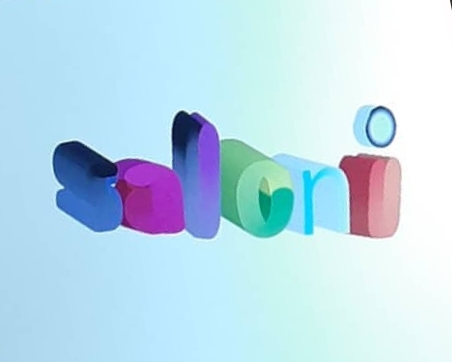
Week 1-
2nd August 2019
Faculty: vaibhav sir.
Introduction to illustrator [Ai]:
Adobe illustrator is a vector graphics editor.
☆AI files are created in two primary colour formats- RGB and CMYK.
☆RGB is used for publishing content on web and CMYK is for printing.
◇CMYK- cyan magenta yellow key(black)!
{After a bit of research, I found that the letter ‘K’ is used as its last letter of word black and isn’t occupied by any other colour!}
Hey!
There’s something very exciting thing about Adobe illustrator!
Look at this raster image(JPEG image)!
But dont worry😎,
Because this can be converted to vector image(vector is a mathematical formulae).And hence there’s no loss of quality.
Here are some of my illustrations.
1.A tip of inkpen

It was really interesting to learn new concepts and actually never thought that a spoon shape is carved inside the tip😅!
2.A tool

Completed using different shapes.
3. And here is my favorite one!
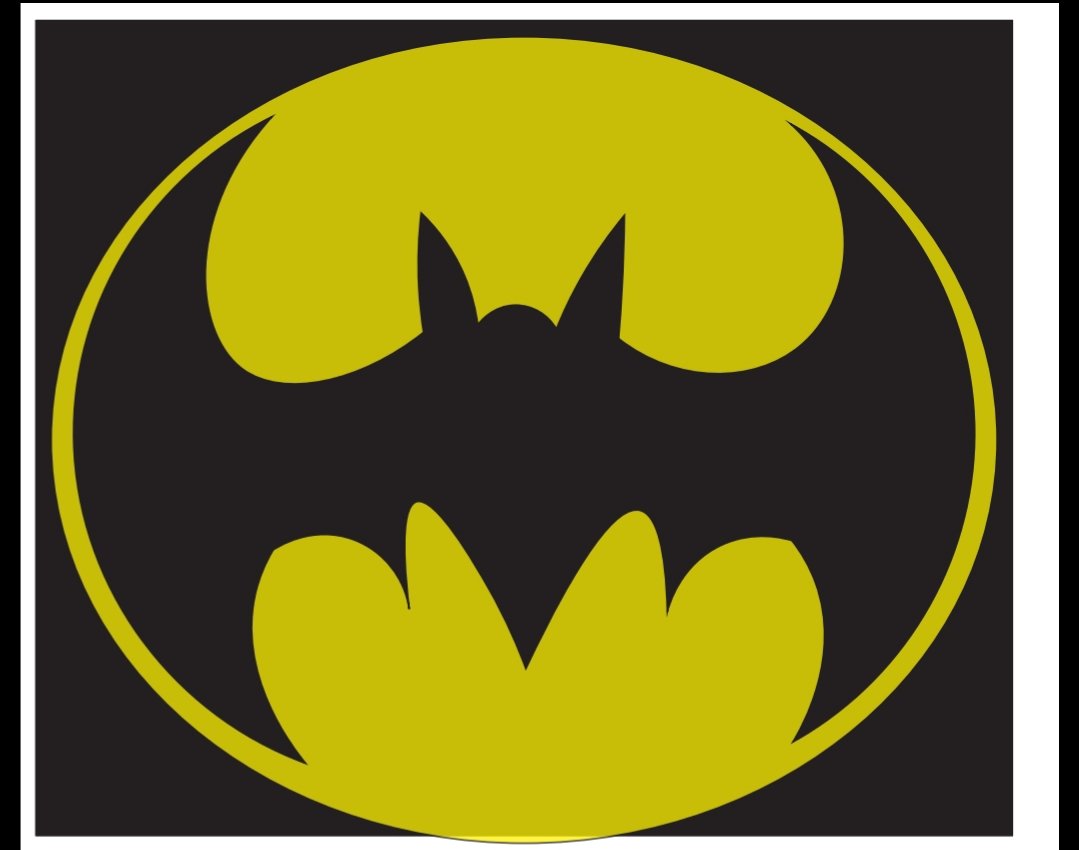
Imaging is fun!
Thank you sir.
Week 2-
9 August 2019
We learnt the concept of gestalt effect.
Gestalt effect:-
1.proximity–
when different elements laid out close to each other they are perceived to be belonging to the same group. It says that elements that are closer together are perceived to be more related than elements that are farther apart.
Example:
Unilever logo, ibm logo
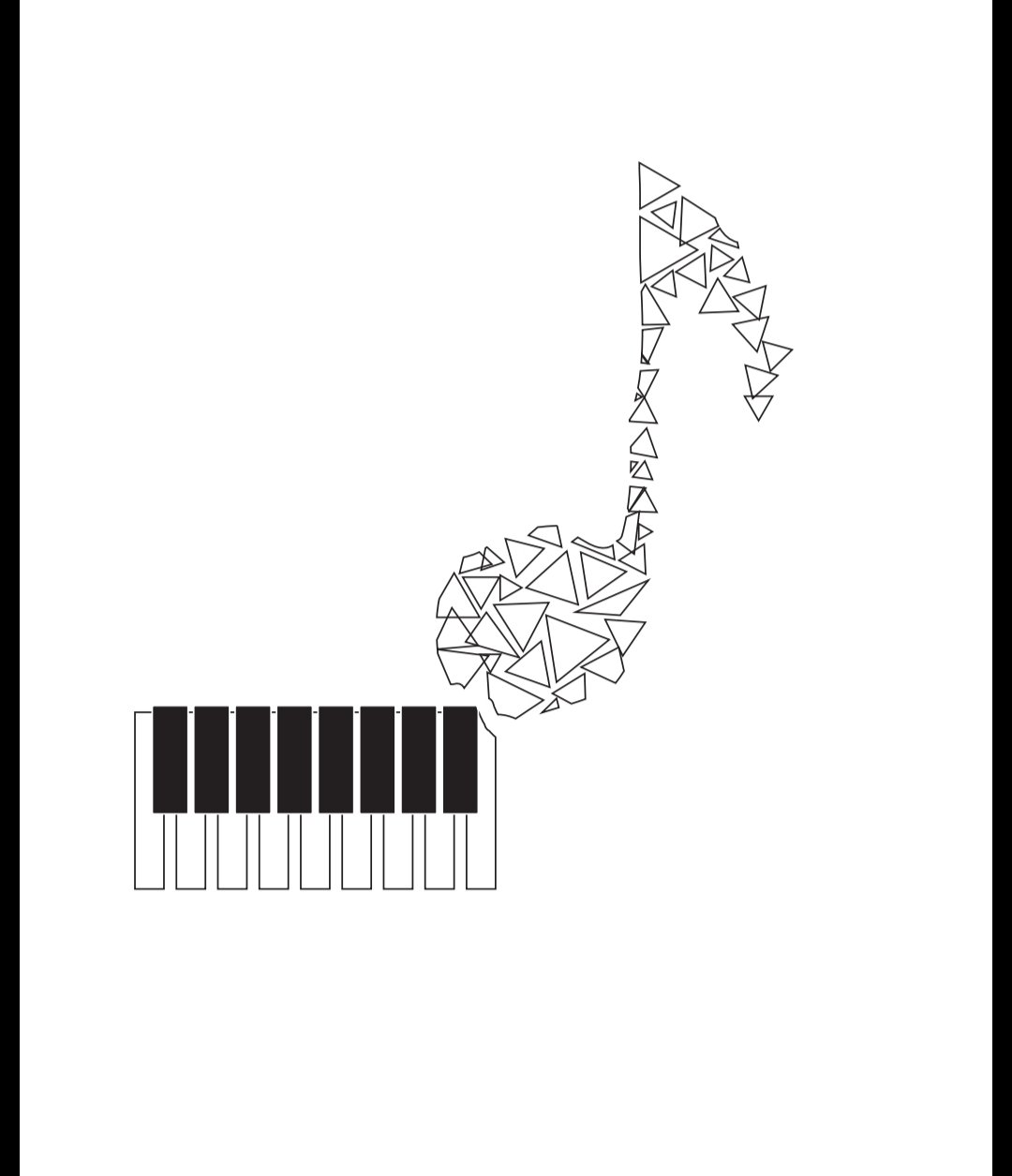
2.similarity-
Things which share visual characteristics such as shape, size, color, texture, value or orientation will be seen as belonging together.
Example:
MOCA
sun logo
☆As with similarity, proximity helps us organize objects by their relatedness to other objects.

Similar shapes
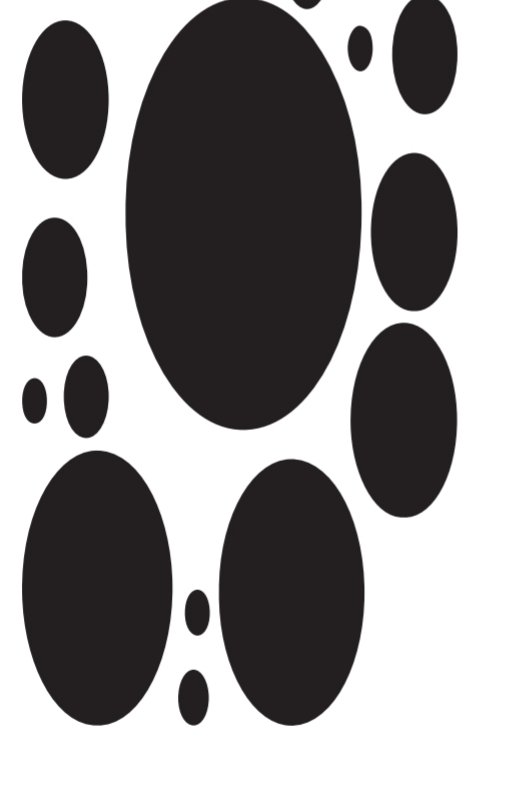
3.closure –
Ability of brain to complete a shape even when it isnt closed
Example:
Ontario soccer
FedEx
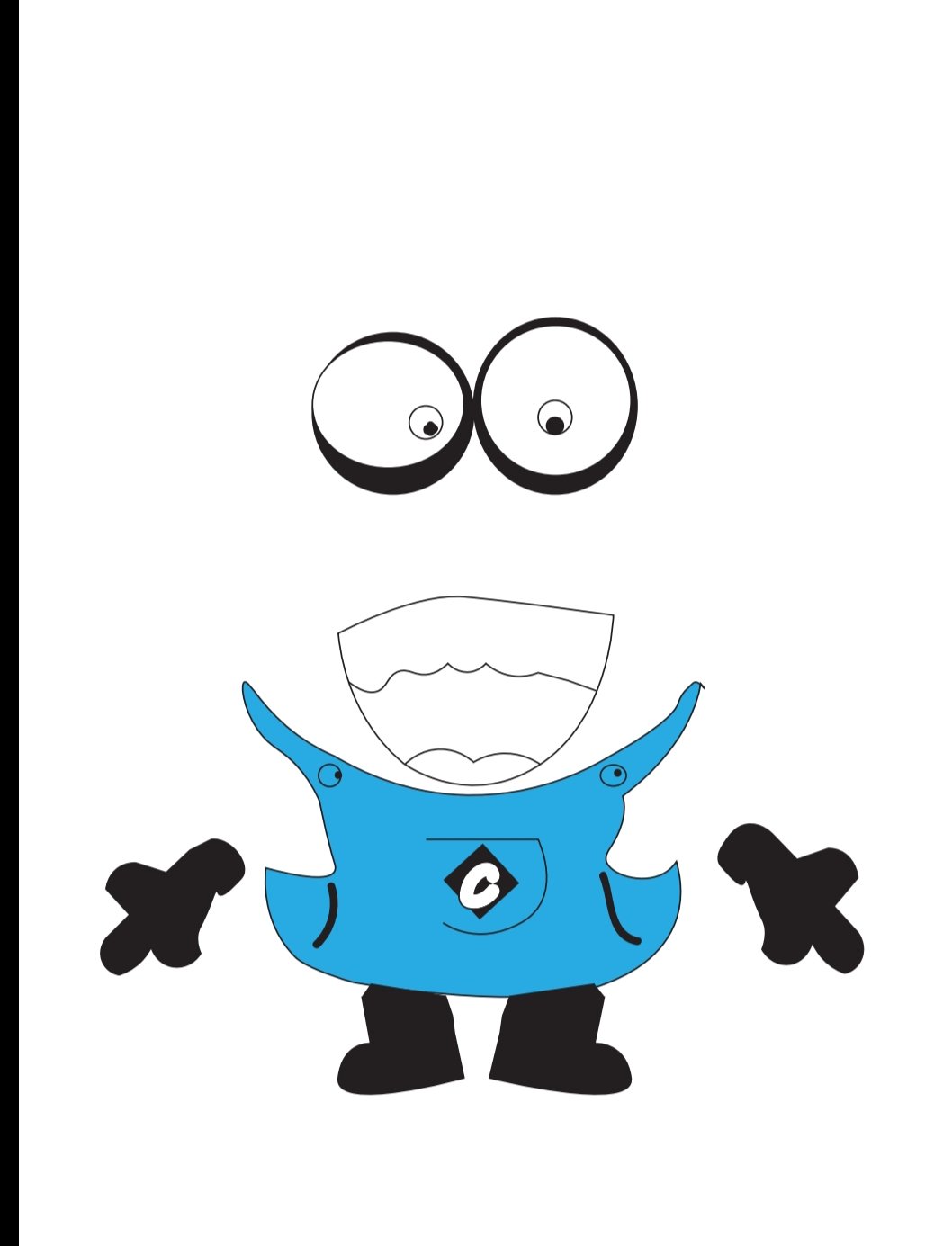
4.multistability-
Ability to see two different things.
Example:-
spartan logo
snooty peacock

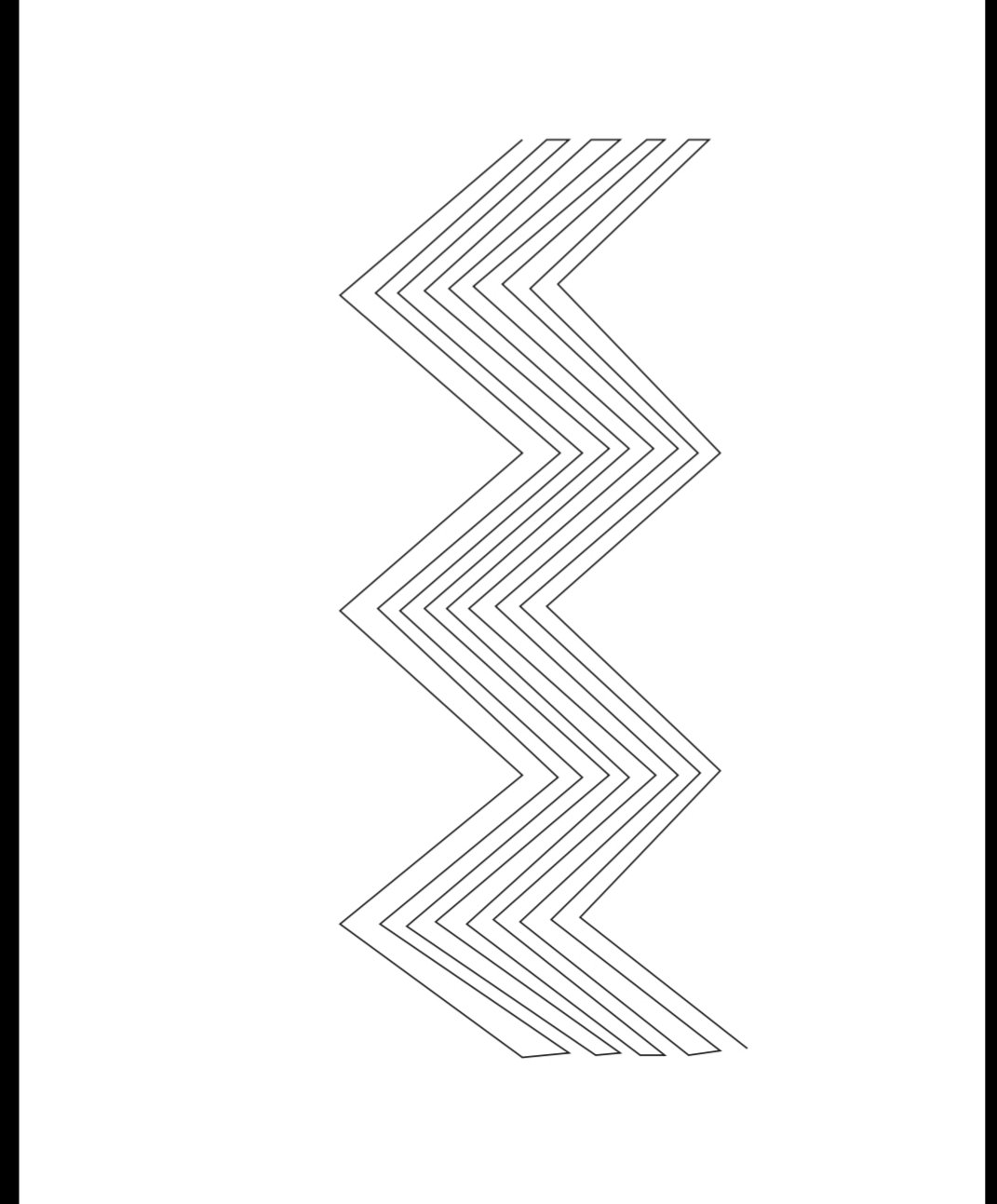
5.continuity-
Example:cocacola.

6.figure and ground relationship:-
Figure–ground organization is a type of perceptual grouping which is a vital necessity for recognizing objects through vision. In Gestalt effect it is known as identifying a figure from the background.
example:-
Print on a printed paper are seen as the “figure” and the white sheet as the “background”.

Week 3:-
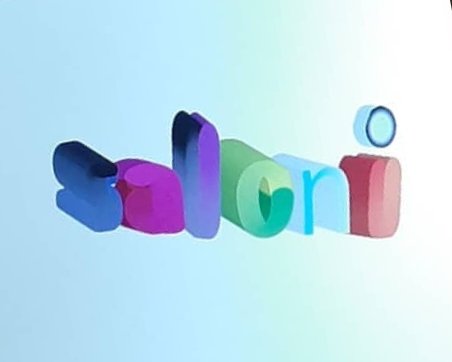
☆Using the blend tool and the appearance tool I wrote my name with the text font and then I tried converting the whole thing in 3 dimension.
○It was fun struggling with the new thing that sir taught initially and I also troubled my teacher for learning this out and executing the final one.
Week 4-
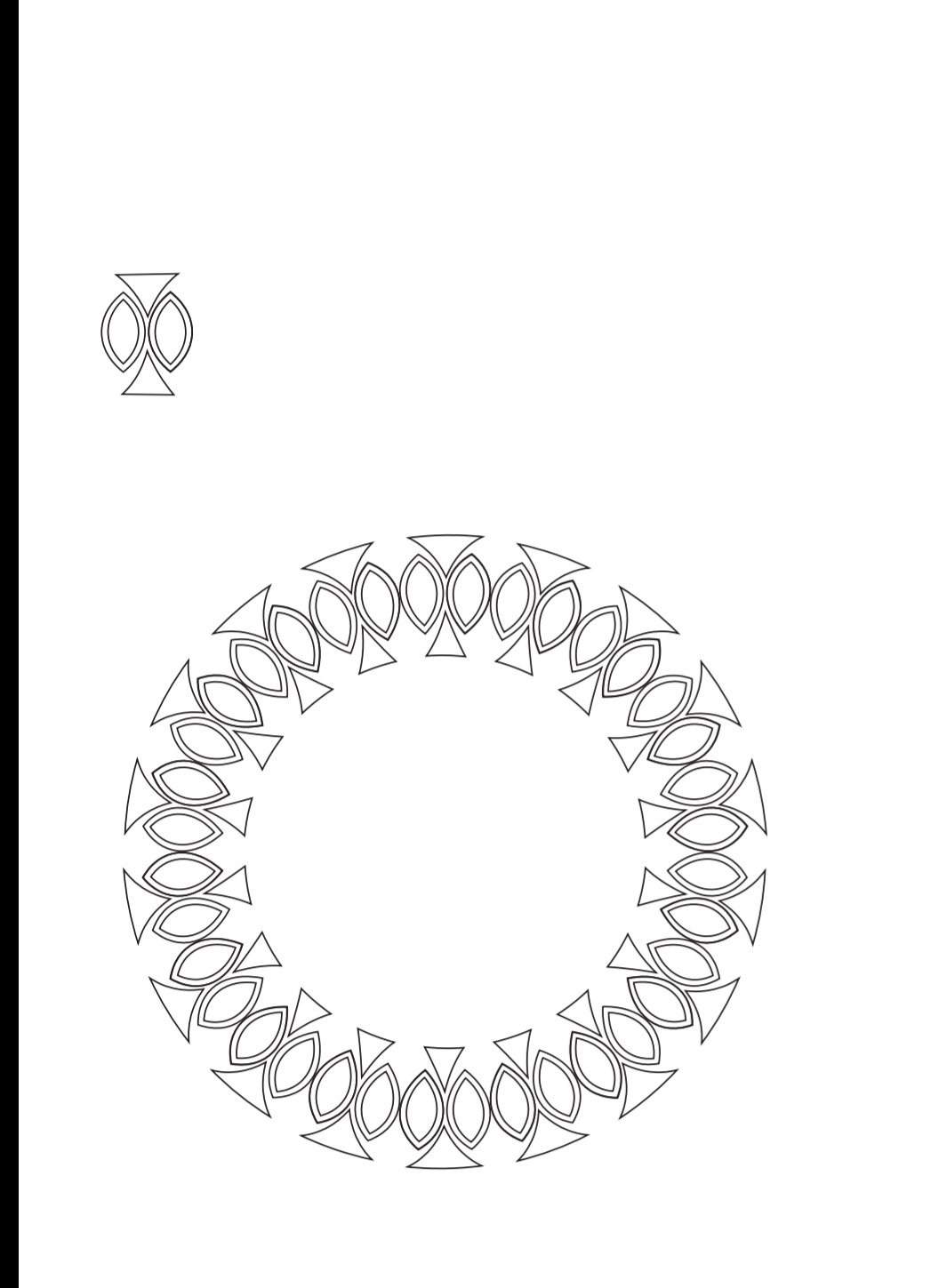
☆I learnt using brush tool to create beautiful patterns and designs.
Some of my works are as follows.

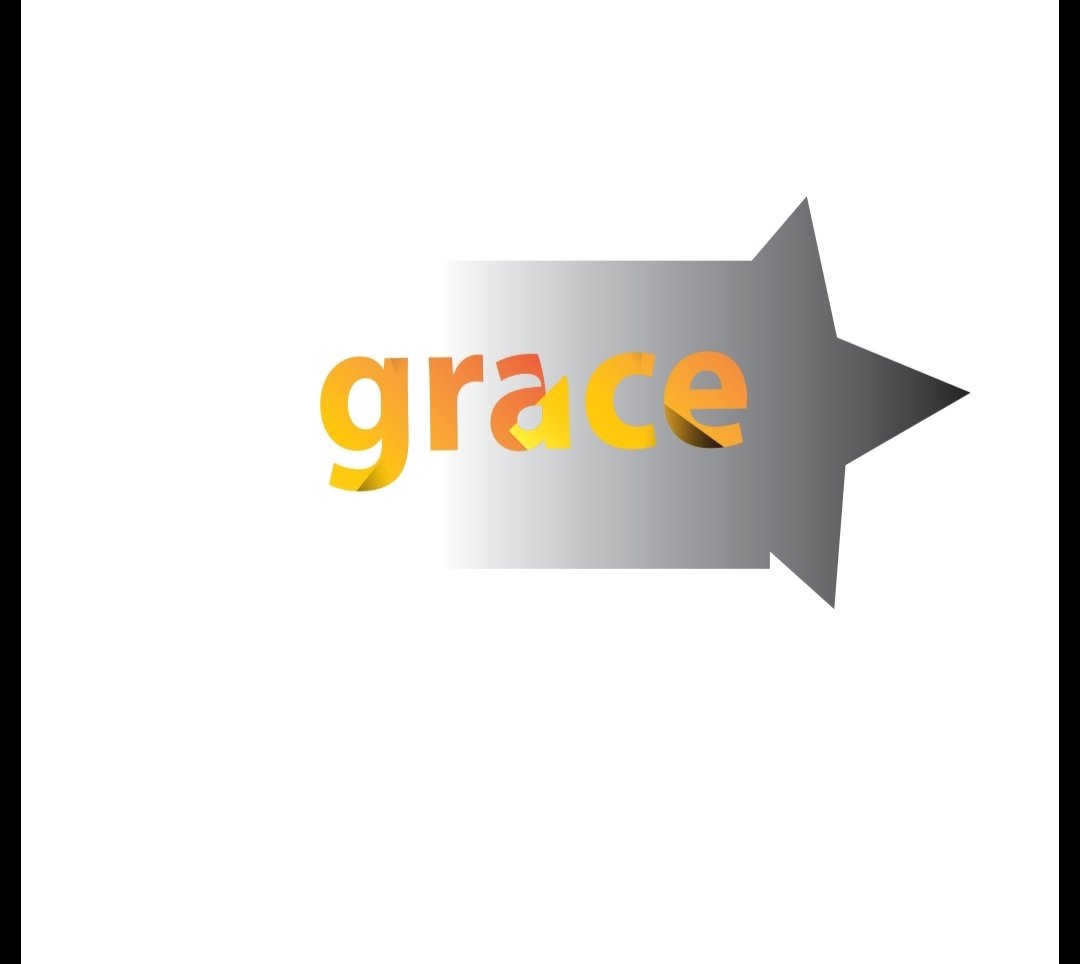
☆next thing that I learnt today was clipping mask.
☆I also learnt tracing images.
For example,
If this is the image,

Then if I trace, expand and then ungroup it, it happens to be in this way.
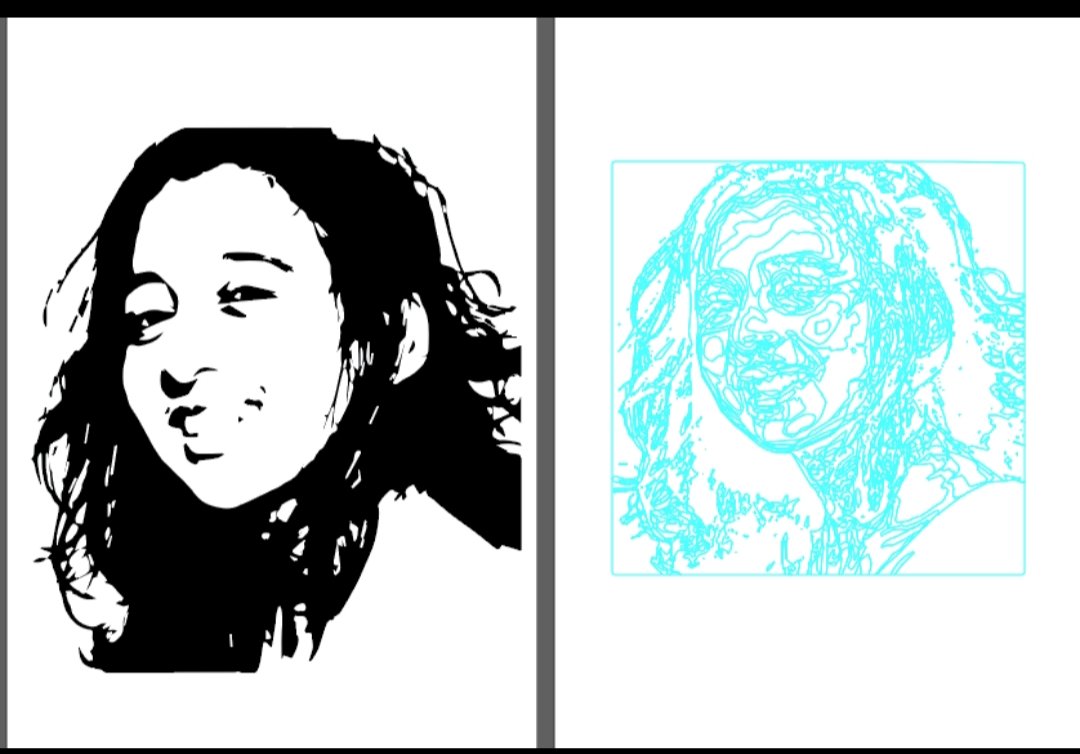
☆With the help of trace image option from object and window we can convert the rasterised image to a high fidelity photo or simply vectorize it.
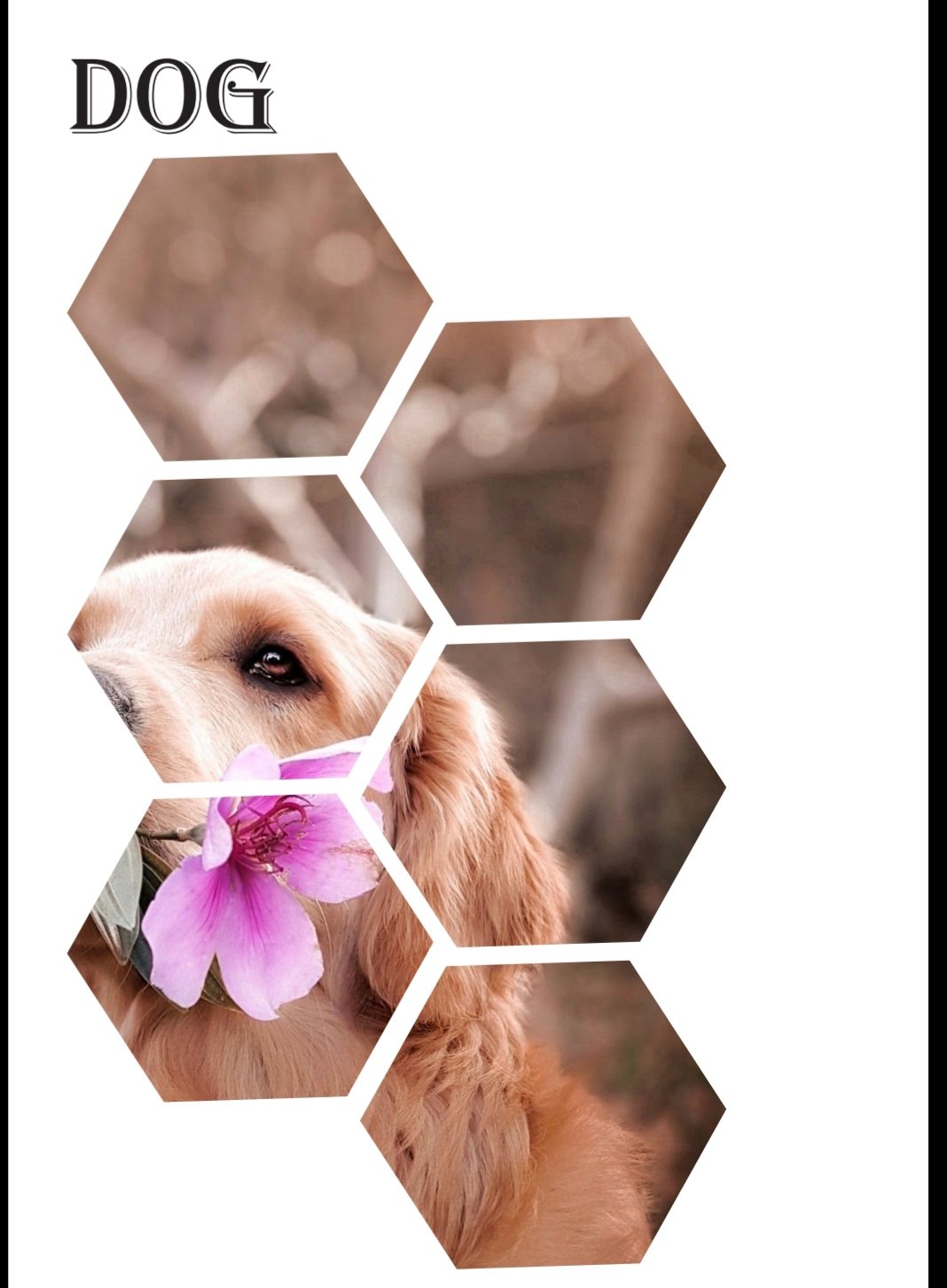
Now the clipping mask of a dog image.
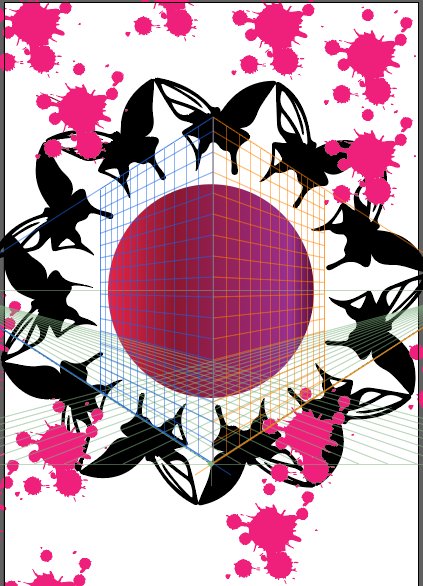
Well not only the concepts of how to use Adobe illustrator but sir also teaches some moral values, I mean with the amount of patience that you have! I really annoy a lot to learn things but you teach like my father does with a lot of patience so I connect through your class very well, sir!.
Thank you 😊
Week 5-
30 August 2019
Shape builder tool and offset path.
Learning shape builder tool and offset path was far way exciting.
Blend tool revision
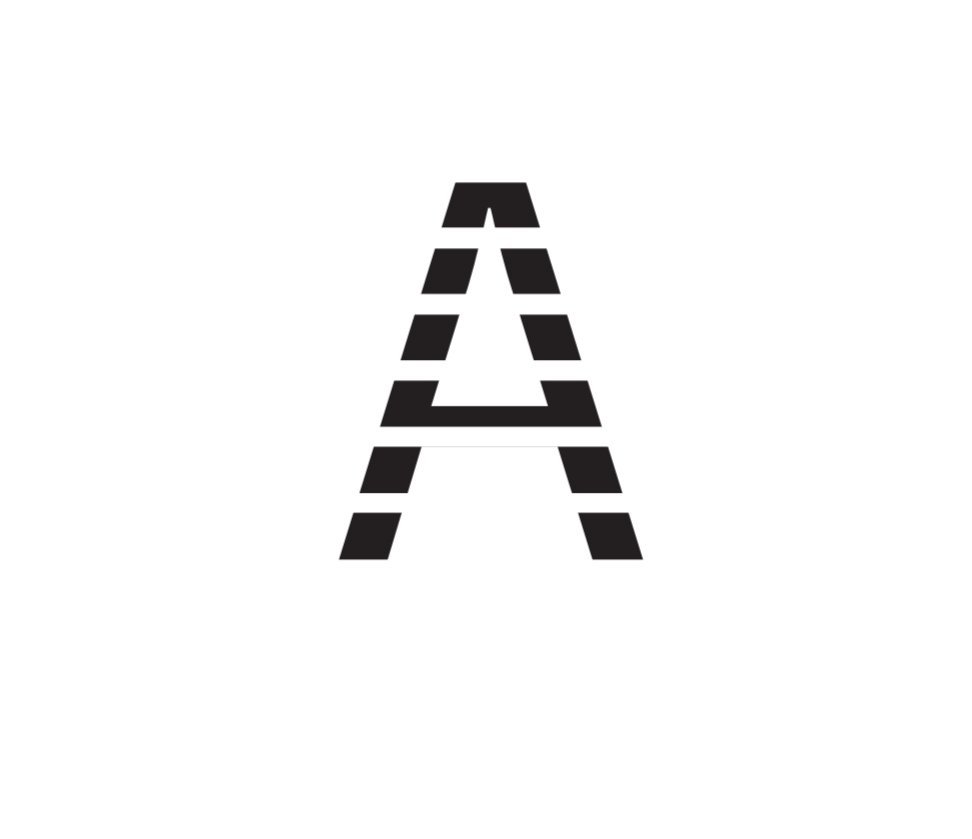
This concept can be applied to gestalt principles also.
Some of my class work:-
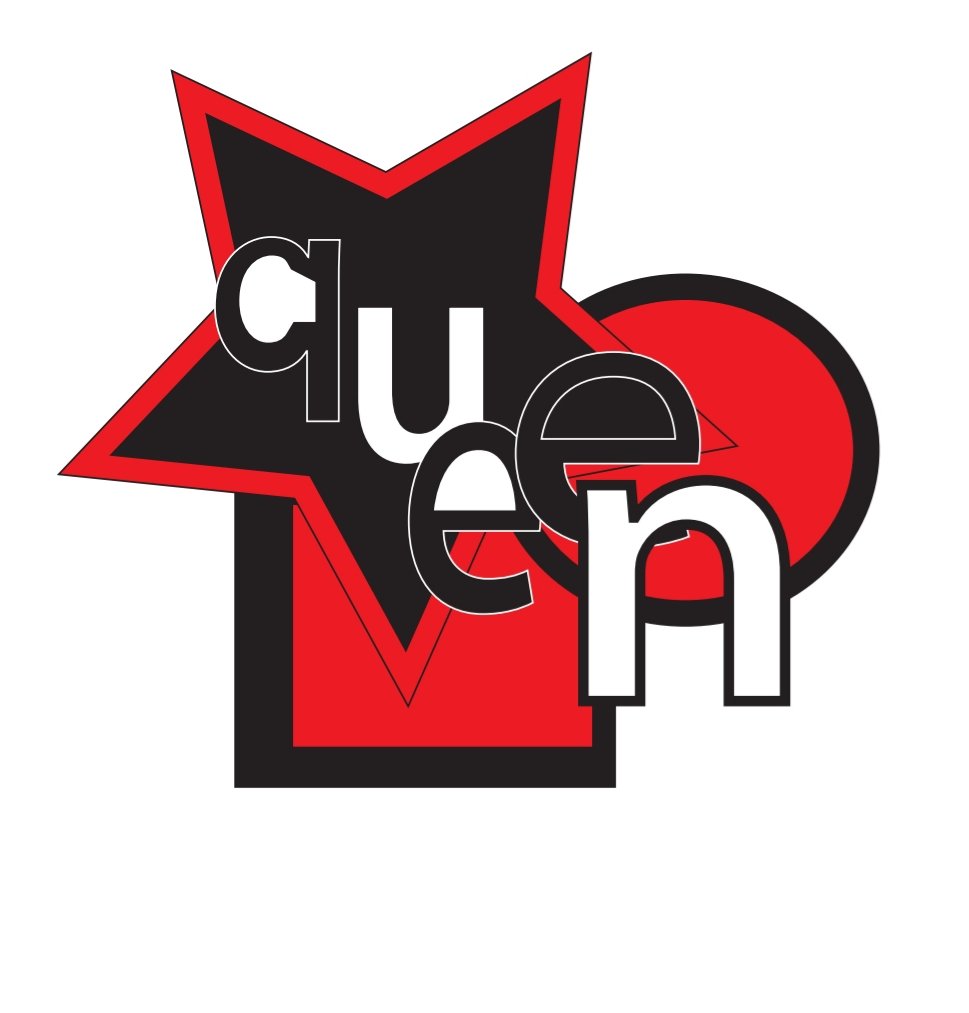
This is dedicated to my mother!❤
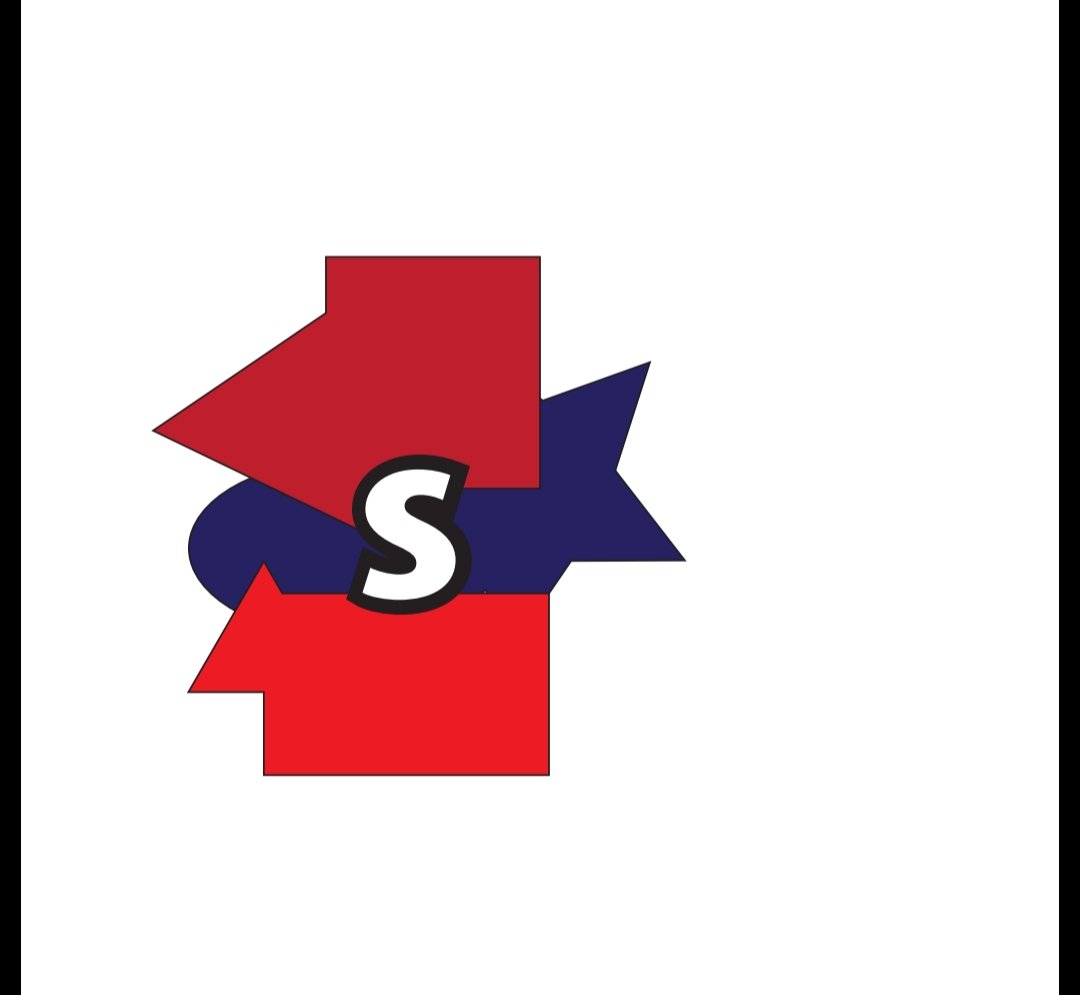
Some more of my practice on the above concepts.
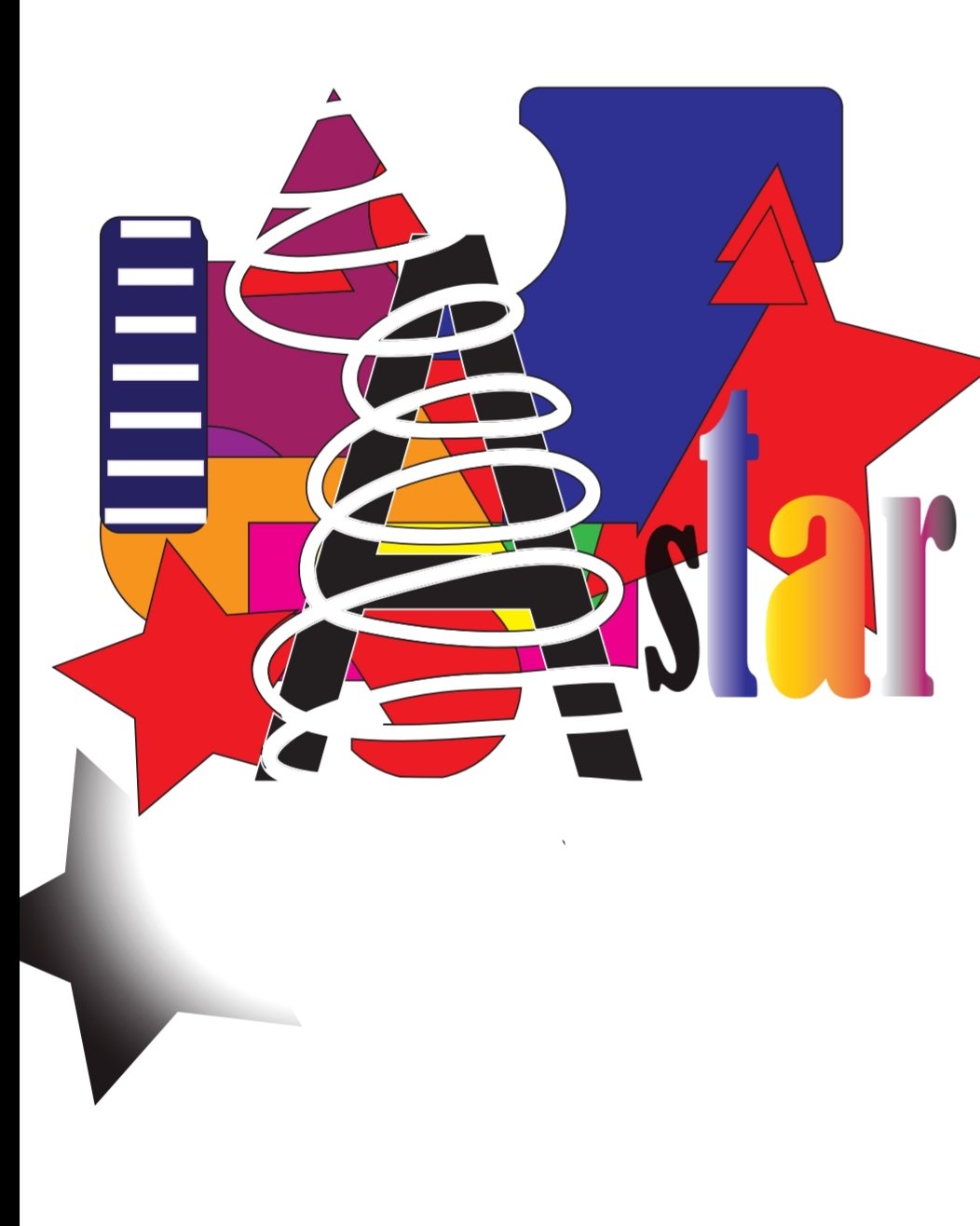
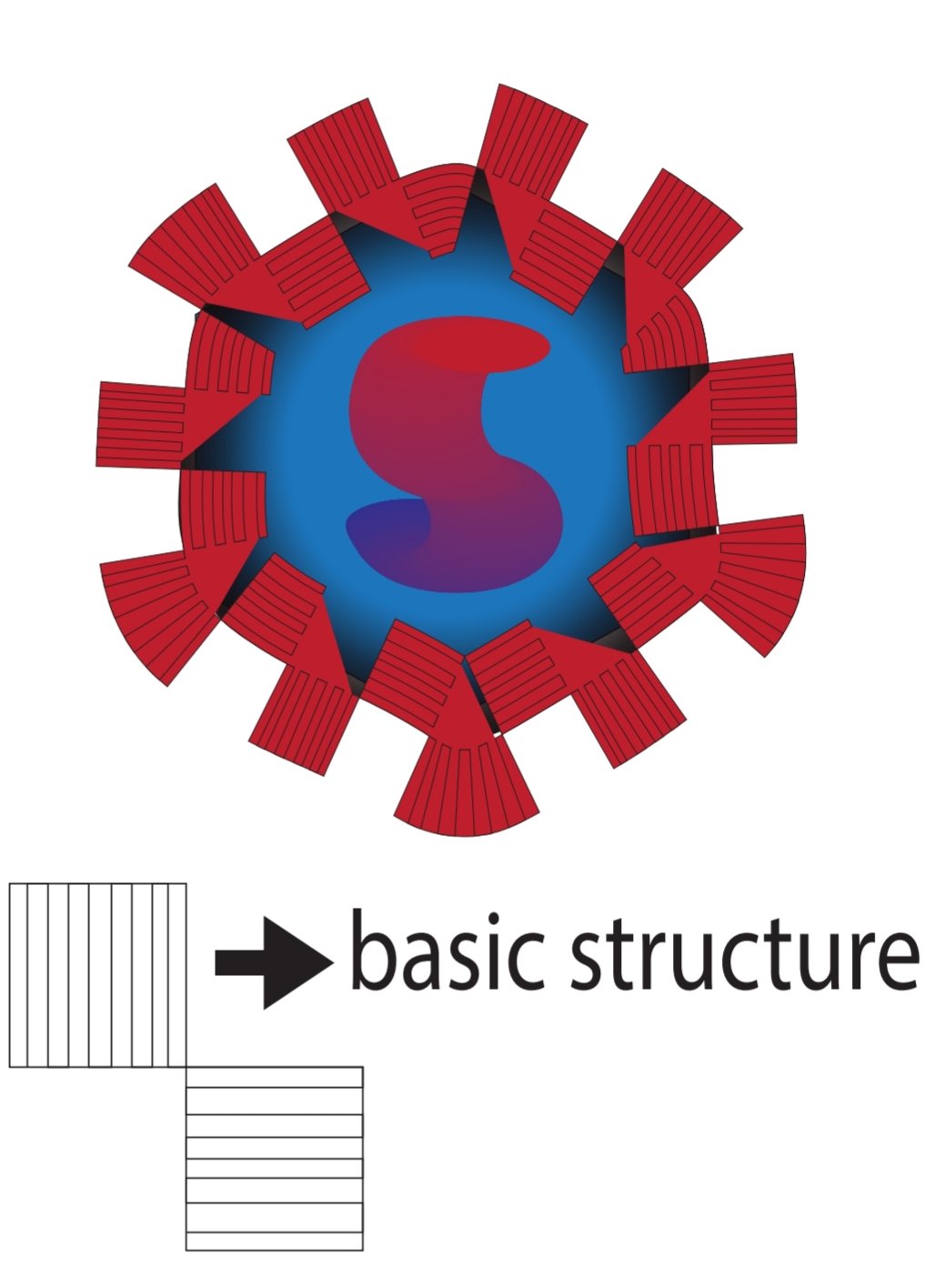
Using symbol sprayer tool and blend tool
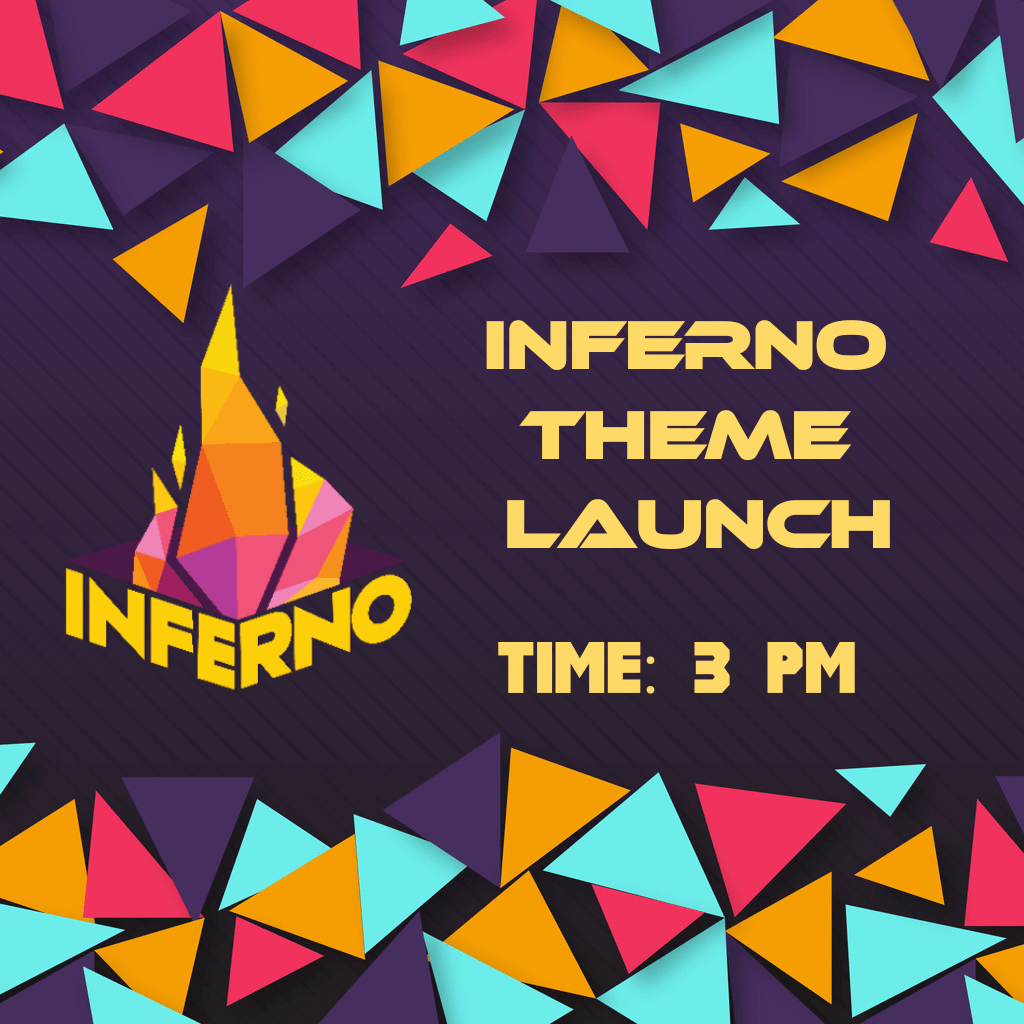
Use of illustrator for inferno work!
Week 6
Not being present in the class is a huge loss!
Sir introduced photoshop and its few tools in the lecture.

 Glorious mess💕