

Here is my final zine with cover page, zine story, last page. It had all started with a simple layout … More
SALONI JAIN_section-B
Here is my final zine with cover page, zine story, last page. It had all started with a simple layout … More
Final zine (Let’s Bee Happy). Cover page. Here starts the story of a Bee. Honey bee is out in search … More
And the first page looks something like this! Excited for the rest? Since the bees are getting bit blurred, sir … More
Here are my bees all set to fly high and eat more honey and be happy. These set of honey … More
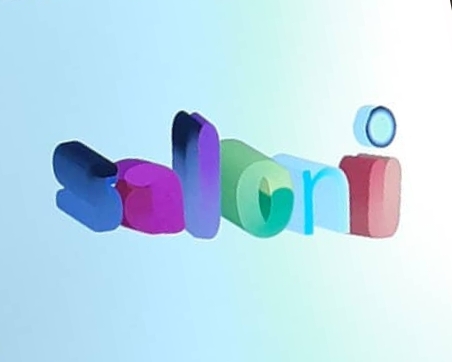
Welcome to my zine story board. Honey bee in a personified character gives you a beautiful moral to just Bee … More
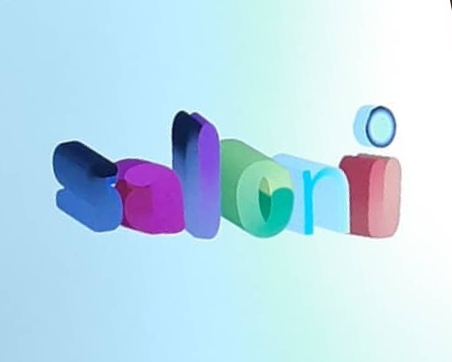
Transform your images with no demarcations! Wondering how would that be done? Here’s the solution. Photoshop does it all. Starting … More
Since my last movie poster was more like a collage and seemed less like a poster. So I decided to … More
I Learnt more techniques to use photoshop, like to make collage, to make a clipping mask, vector mask and layer … More
Not being present in the class is a huge loss! Sir introduced photoshop and its few tools in the lecture … More
30 August 2019 Shape builder tool and offset path. Learning shape builder tool and offset path was far way exciting. … More
I learnt using brush tool to create beautiful patterns and designs. Some of my works are as follows. ☆next thing … More
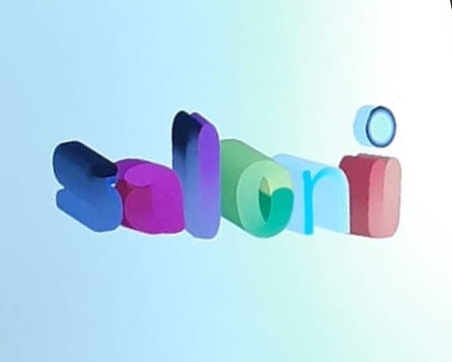
Week 3:- ☆Using the blend tool and the appearance tool I wrote my name with the text font and then … More
9 August 2019 We learnt the concept of gestalt effect. Gestalt effect:- 1.proximity– when different elements laid out close to … More
2nd August 2019 Faculty: vaibhav sir. Introduction to illustrator [Ai]: Adobe illustrator is a vector graphics editor. ☆AI files are … More
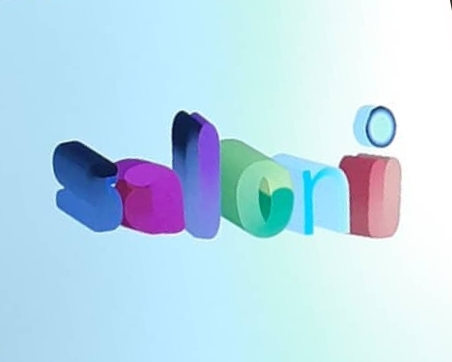
Week 1- 2nd August 2019 Faculty: vaibhav sir. Introduction to illustrator [Ai]: Adobe illustrator is a vector graphics editor. ☆AI … More
 Glorious mess💕